
Download Any PDF Converter – PDF Converter, Document Converter, File Converter, PDF Tool, Utility App
Overview
Any PDF Converter is a dedicated utility designed to streamline the process of transforming various file types into PDFs, ensuring content integrity throughout the conversion. The app serves as a reliable solution for individuals and professionals who frequently need to standardize documents across different platforms. By supporting a wide range of input formats, it helps users overcome compatibility challenges, particularly when sharing files across devices or with clients who require PDFs for consistency and security. The target audience includes students, office workers, freelancers, and business teams who manage large volumes of documents daily.
Although the developer did not provide additional background details, the app’s long-standing presence since its release on October 22, 2013, indicates a stable and enduring utility in the mobile productivity space. Its ability to convert over 500 file types—including common formats like DOC, XLS, PPT, RTF, and PT5—demonstrates a strong focus on versatility. Real-world use cases include preparing academic submissions, organizing business reports, and archiving digital content. In the broader app ecosystem, Any PDF Converter fills a critical gap for users seeking a fast, reliable, and accessible tool to standardize their documents without relying on complex desktop software.
Key Features & Functionality
- Wide Format Support: The app supports conversion from more than 500 file types, including text documents, spreadsheets, presentations, images, and even animations. This ensures users can convert nearly any file they encounter into a universally compatible PDF.
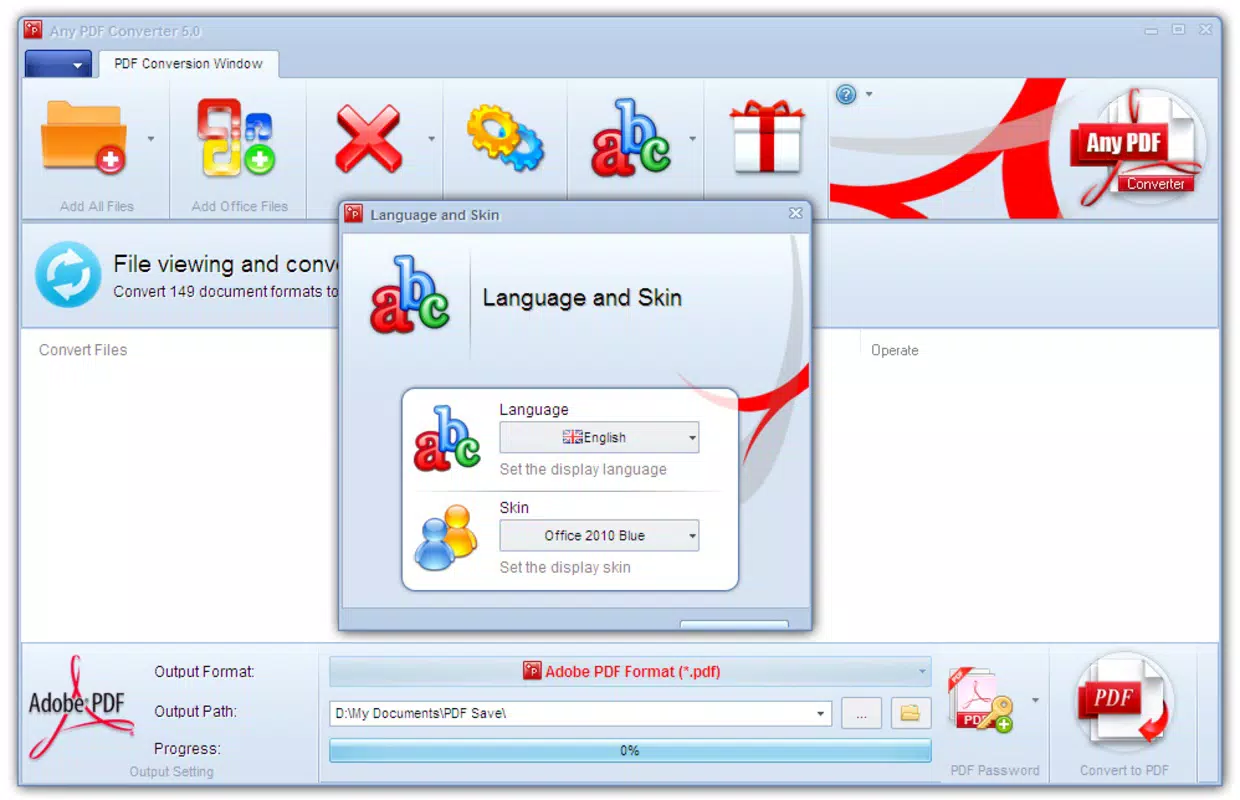
- User-Friendly Interface: Designed with simplicity in mind, the interface allows users of all skill levels to navigate and perform conversions with minimal learning curve. Multiple language options enhance accessibility for international users.
- Fast Conversion Speed: Files are processed in seconds, significantly reducing wait times and improving workflow efficiency. This speed is especially beneficial during time-sensitive tasks such as deadline-driven submissions or client deliverables.
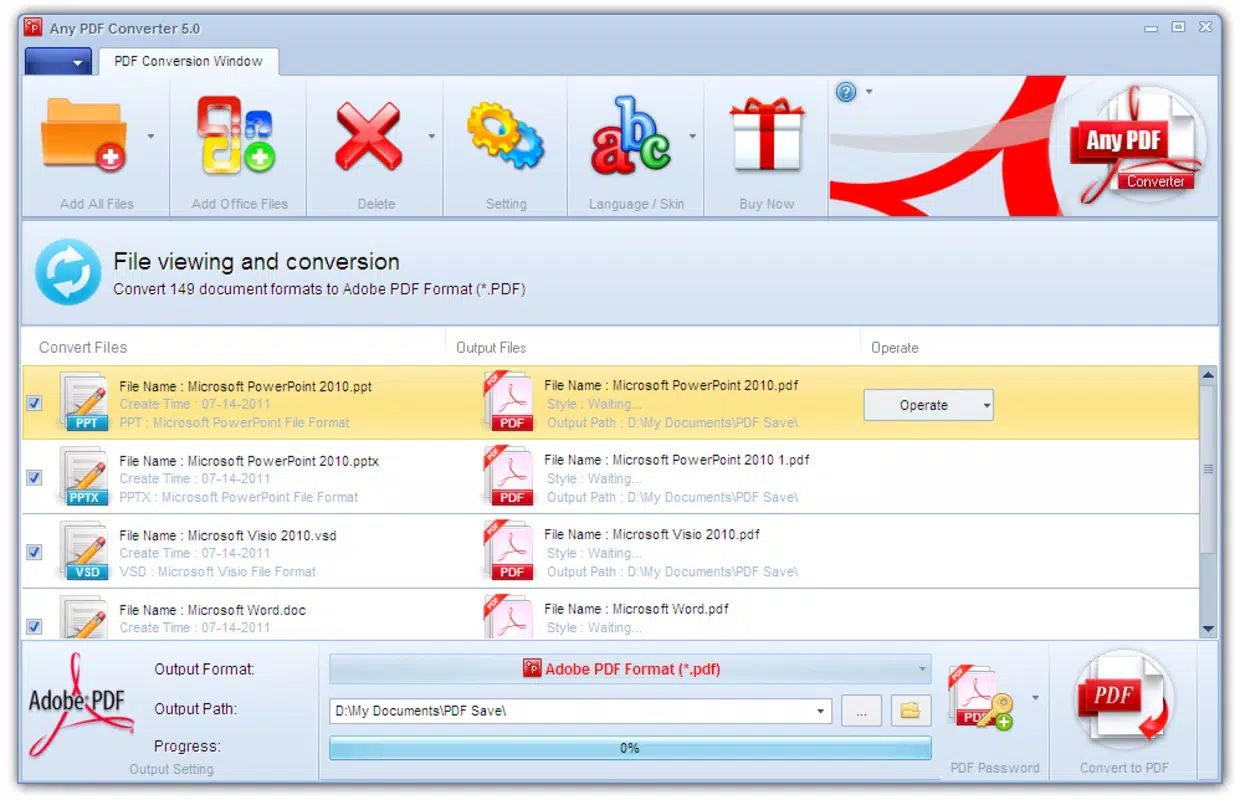
- Batch Conversion Capability: Users can convert multiple files simultaneously, saving substantial time when handling large document sets. This feature is ideal for professionals managing folders of reports, invoices, or project materials.
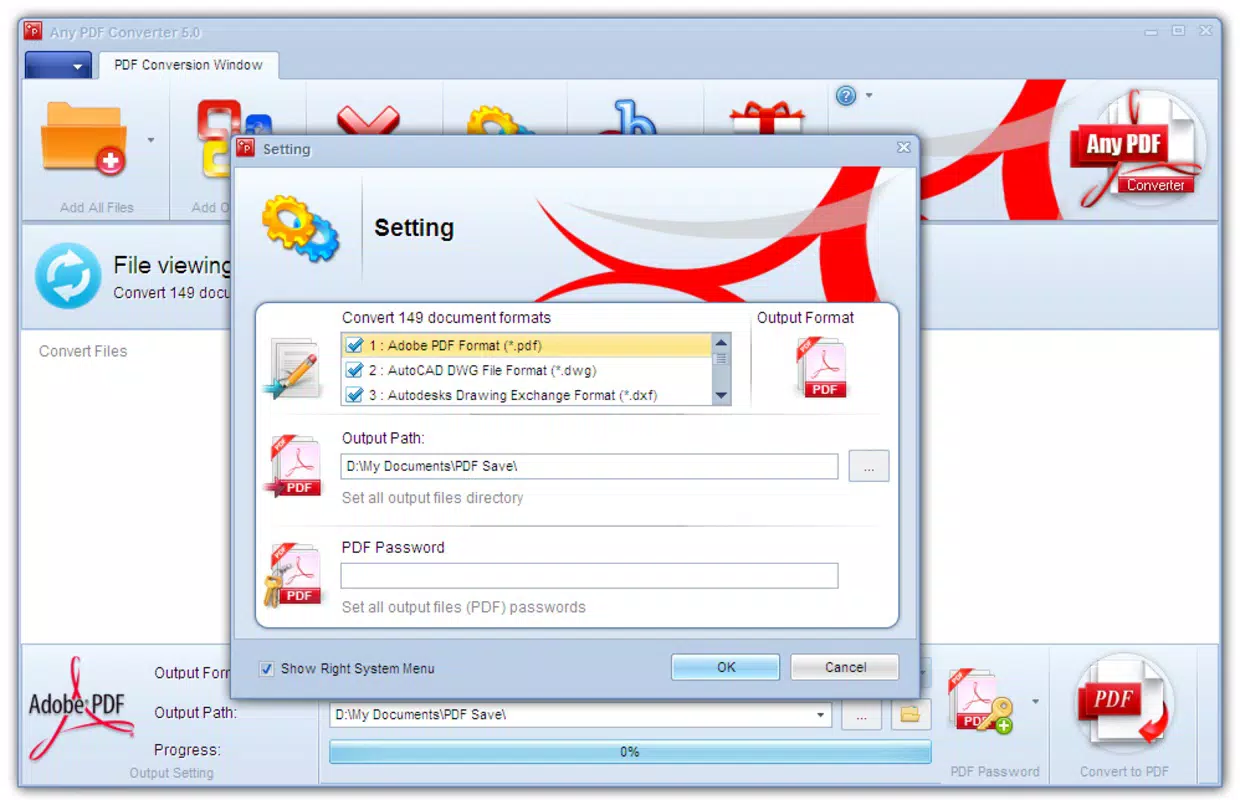
- Flexible Output Options: After conversion, users can specify the destination folder for their PDFs, enabling better organization and integration with existing file management systems.
For example, a student preparing a portfolio might use batch conversion to turn dozens of project files into PDFs with a single action. A small business owner could convert monthly invoices from various formats into a uniform PDF structure for digital archiving. The app’s ability to preserve formatting and layout during conversion ensures professional-quality output without manual adjustments.
Interface, UX & Performance
The interface of Any PDF Converter is designed for clarity and ease of use, featuring a clean layout with clearly labeled buttons and intuitive navigation. Users can access conversion tools with minimal taps, reducing the risk of errors and improving overall efficiency. Visual feedback during the conversion process helps users track progress, enhancing the sense of control and transparency.
Although the developer did not list formal performance metrics, the app’s reported fast conversion speed suggests optimized backend processing. It is expected to function smoothly on a variety of mobile devices, from mid-range smartphones to high-end models. Responsiveness across different screen sizes and orientations indicates thoughtful design considerations.
Stability appears consistent, as the app has remained in active use since its 2013 release. The lack of reported crashes or bugs in public discussions suggests reliable operation under normal conditions. However, specific requirements for device memory or processing power were not disclosed.
Platform Compatibility & Technical Requirements
Any PDF Converter is available on Android and iOS platforms. The latest version is compatible with the current operating systems, though specific version requirements were not listed by the developer. The app’s file size is approximately 45.6 MB, which is within the typical range for utility apps with moderate functionality. This size allows for quick installation on devices with limited storage, making it accessible even on older or entry-level smartphones.
Compatibility information was not fully disclosed, and the developer did not specify minimum OS versions or hardware requirements. As such, users are advised to check their device’s system settings for compatibility before installing. The absence of detailed technical specifications does not diminish the app’s usability but underscores the importance of verifying system readiness prior to download.
Pros and Cons
Pros
- Supports over 500 file formats for PDF conversion
- Fast processing speed with minimal wait times
- Batch conversion saves time for large document sets
- Intuitive interface suitable for all user levels
- Flexible output folder selection for better file management
- Available on both Android and iOS platforms
Cons
- Developer did not provide detailed technical specifications
- Minimum OS and device requirements were not listed
- Specific performance benchmarks were not disclosed
- No information on cloud integration or sharing features
- Update frequency and future development plans are unknown
FAQ
Is Any PDF Converter safe to download and use?
The app is designed as a utility tool for document conversion and does not require sensitive permissions. As with any third-party app, users should download it from official app stores to ensure security and authenticity.
Can I convert multiple files at once?
Yes, the app supports batch conversion, allowing users to process several files simultaneously, which improves efficiency when handling large volumes of documents.
Does Any PDF Converter work on both Android and iOS?
Yes, the app is available on both Android and iOS platforms, providing cross-platform access for users on different devices.
What file types can be converted to PDF?
Any PDF Converter supports more than 500 file formats, including DOC, XLS, PPT, RTF, PT5, images, and animations, ensuring broad compatibility across common document types.
How often is the app updated?
The developer did not disclose update frequency. Users are encouraged to check their device’s app store for the latest version to ensure access to the most current features and security patches.
Final Thoughts
Any PDF Converter stands out as a dependable, no-frills tool for users seeking to convert documents into PDFs quickly and accurately. Its broad format support, fast processing, and batch conversion capabilities make it a practical choice for students, professionals, and small business users. While technical details such as system requirements and update schedules remain undisclosed, the app’s consistent functionality and long-standing presence suggest reliability. For those who value simplicity, speed, and cross-platform access, Any PDF Converter delivers tangible value without unnecessary complexity. It’s a solid addition to any mobile productivity toolkit.
Download Any PDF Converter now


